From idea to manufacturing, with your agent.
Describe what you need. The agent designs it as code, checks every fit, motion and load in numbers, and hands you the files to build it. You see the same model and decide.
Investors and partners: talk to us →Whatever you build, the same tools check it.
A bracket for the garage, a walking robot for the lab, a machine with a CE mark. The agent, the app and the checks are the same; what you need from them is not.
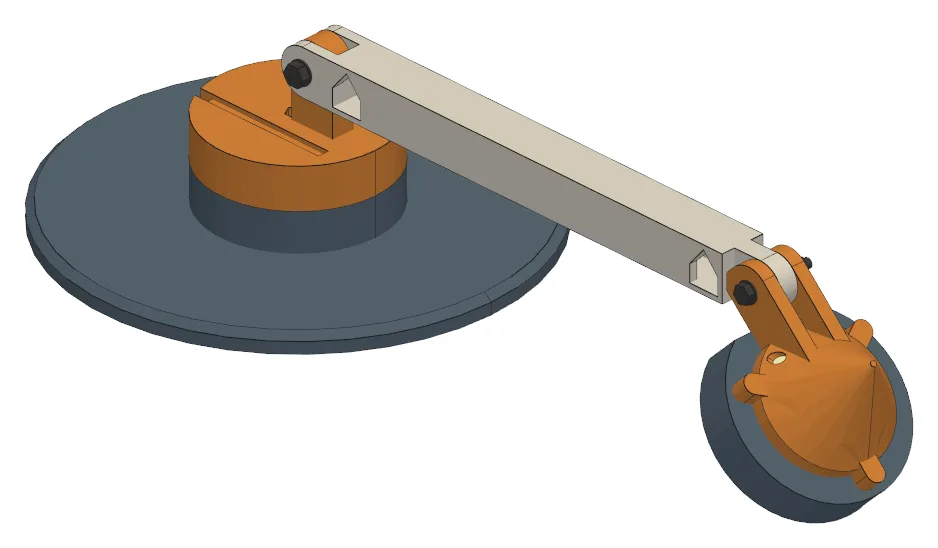
Print it, cut it, build it.
- Parts that print without supports, in the orientation they print in
- Sketch on a face or add a fillet by hand: the code follows
- Laser and router sheets nested, a BOM and instructions
- The enclosure's circuit board, out to KiCad and back
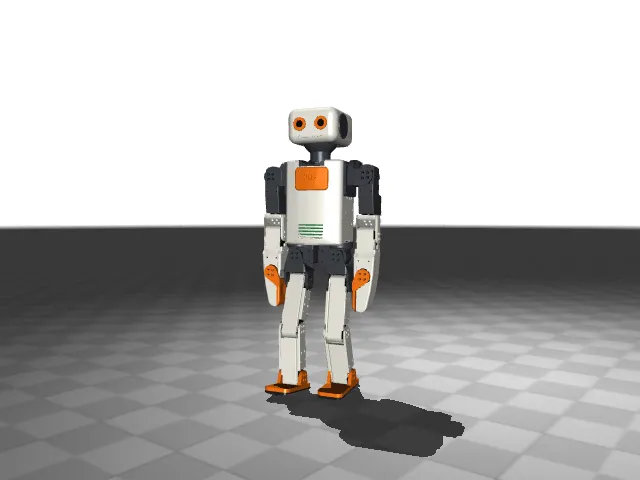
The robot you print is the robot you simulate.
- MuJoCo, MJX and URDF from the CAD, rebuilt with every change
- Every joint swept, torque per servo, mass as printed
- The live twin, LeRobot datasets, training runs and deploy
- Motion scripts checked frame by frame, filmed by the agent
Calculations you can sign, records you can audit.
- VDI 2230, ISO 281, DIN 743 and the Eurocodes, validated against the standards' tables
- A calculation report to check and sign, in your firm's look
- PDM built in: items, revisions, documents, change orders, an audit log
- Risk register, Machinery Regulation and the technical file
From a sentence to a part you can make.
Describe it
In your words, with a sketch, a photo or a STEP of what it must fit.
The agent models it
As build123d code in your repository. Every change is a version.
KUTA CAD checks it
Fits, joint ranges, strength and standards, in numbers. A failure names the part and the line.
You decide
Click a face to comment. Accept or reject each change in 3D.
Plan how it is made
Nested sheets, print plates, bend order, CNC setups, the mould.
Make it
Drawings, cut files, a bill of materials and instructions, in one package.
A desk lamp, from a brief to print files.
Recorded as it happened. The person comments; the agent proposes a change, its checks catch the clash it caused, and it fixes that too.
84 seconds, cut from three hours of recording. The agent's work is sped up the most: its first 76 minutes of modelling take 14 seconds.
The same scene, in your browser.
You and the agent on one model, at the same time. Design, Motion, Simulate and Make along the top, the model tree on the left, the agent on the right.
The agent
- Writes the model as code, in your repository.
- Measures, sweeps joints and simulates, in numbers.
- Builds each fix in a copy, for you to see first.
- Asks when a choice is yours, with pictures to pick from.
You
- Click a face: the agent gets the part and the line of code.
- Sketch on a face, add a fillet: it is written into the code.
- Drag a slider or change a hole: the code follows.
- Accept or reject each change, with a 3D diff.
Every face knows the line that made it.
Click a face and KUTA CAD traces it to the line of code that cut it. The agent edits the right line the first time.
# parts.py
def bracket():
    base = Box(P.BASE_L, P.BASE_W, P.BASE_T)
    upright = Pos(P.UP_X, 0, P.UP_H / 2) * Box(P.UP_T, P.BASE_W, P.UP_H)
    part = base + upright
    part = fillet(part.edges().filter_by(Axis.Y).group_by(Axis.Z)[1], P.FILLET_R)
    part -= Pos(P.UP_X, 0, P.PIVOT_Z) * Cylinder(P.BORE / 2, P.BASE_W, rotation=(90, 0, 0))
    return part
Measured, not guessed.
An agent that can only render pictures guesses at fits. One that can ask how large the clearance is gets an exact answer, and designs.
- Do the fingers hit each other or the servo anywhere in their travel?“There looks to be enough room.”
- Will the stand tip back when you press the screen?“The base is wide enough to be stable.”
- Is the mill stiff enough to cut?“The welded frame should be rigid enough.”
- Can the servo hold the arm straight out?“The servo is rated for this kind of load.”
- Do the fingers hit each other or the servo anywhere in their travel?0 collisions through the full travel; 11.2 mm to the servo at the closest
- Will the stand tip back when you press the screen?5 N at the top edge: it holds 1.70 × at 60° and 1.30 × at 70°, 1.25 needed
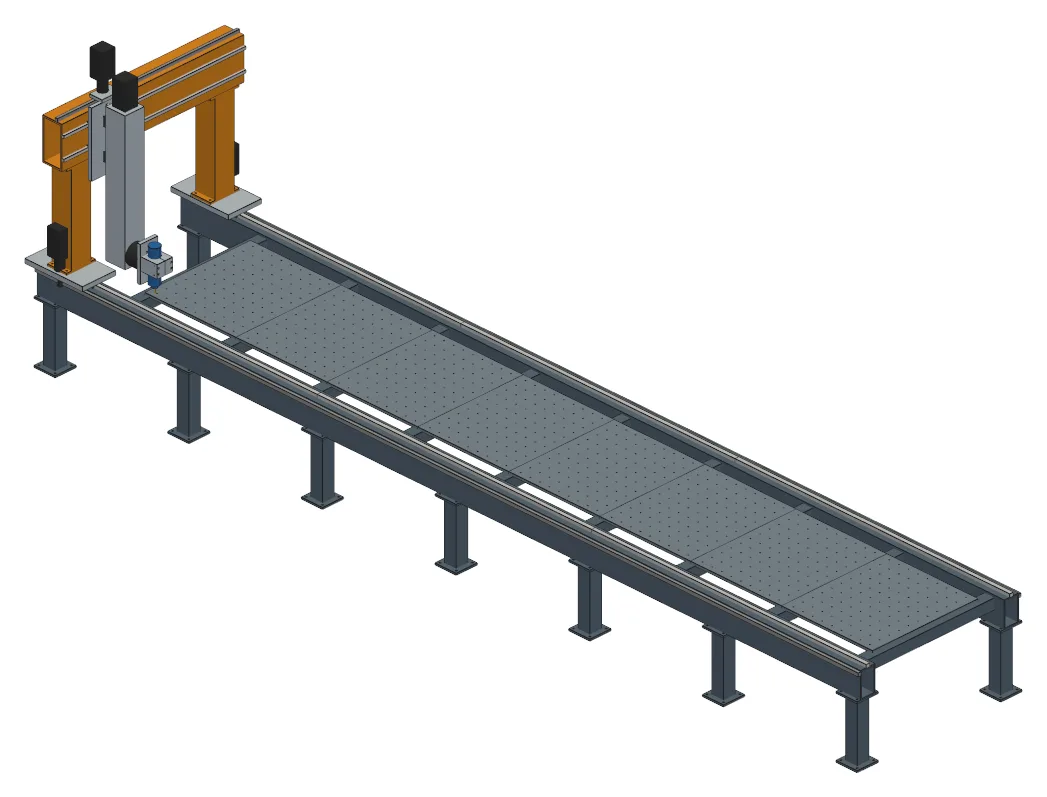
- Is the mill stiff enough to cut?500 N at the spindle moves it 0.034 mm in the worst pose; limit 0.05 mm
- Can the servo hold the arm straight out?31.8 % of the shoulder servo's rating, in MuJoCo
The answers are from the projects on these pages.
Real projects, not renders of ideas.
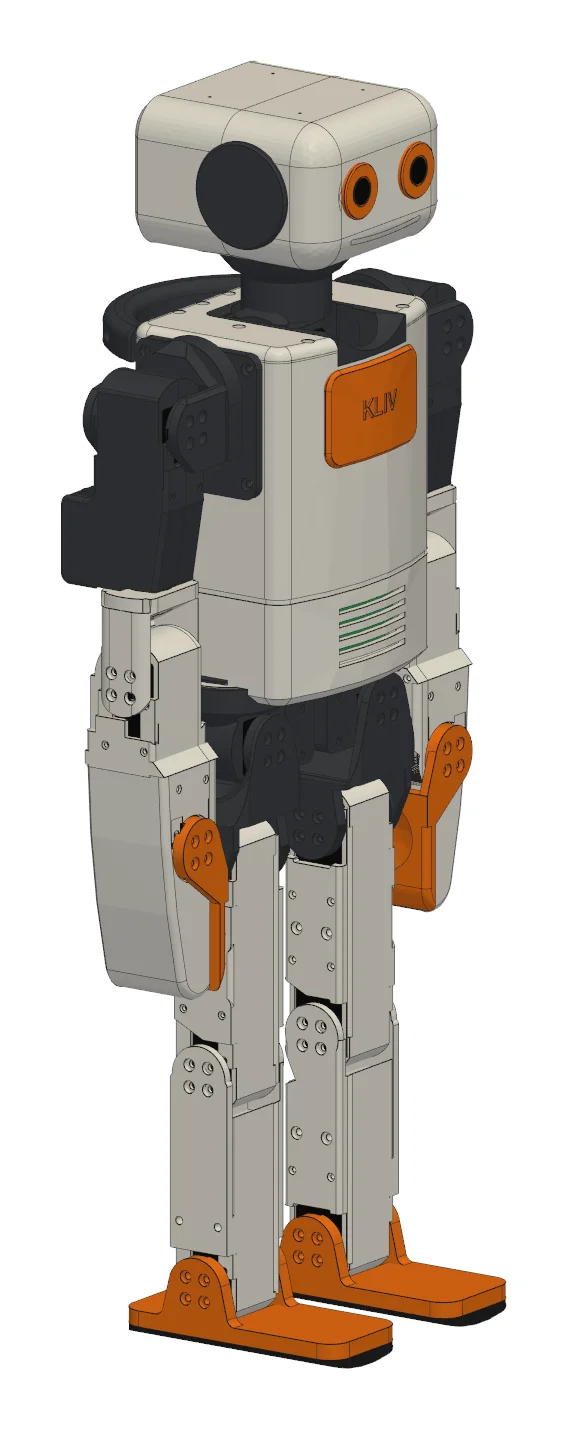
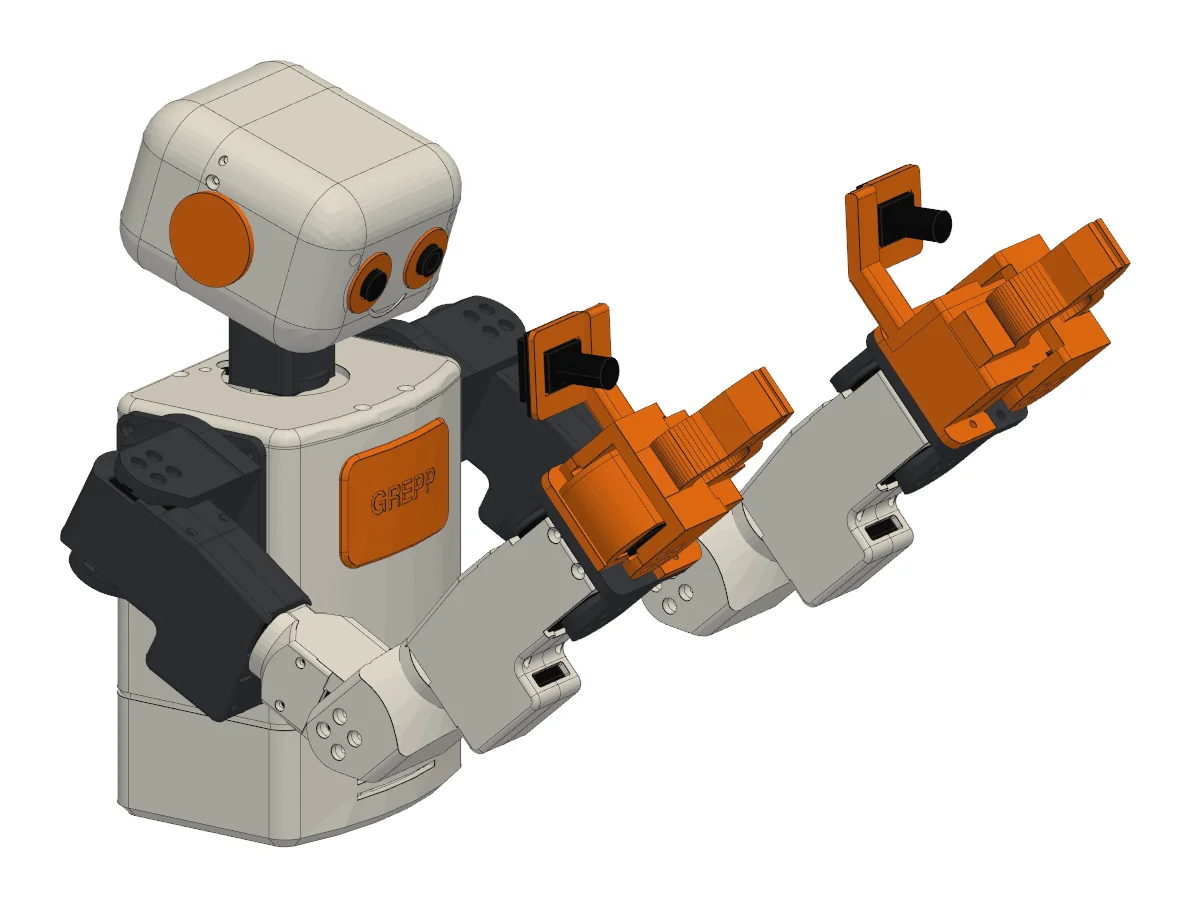
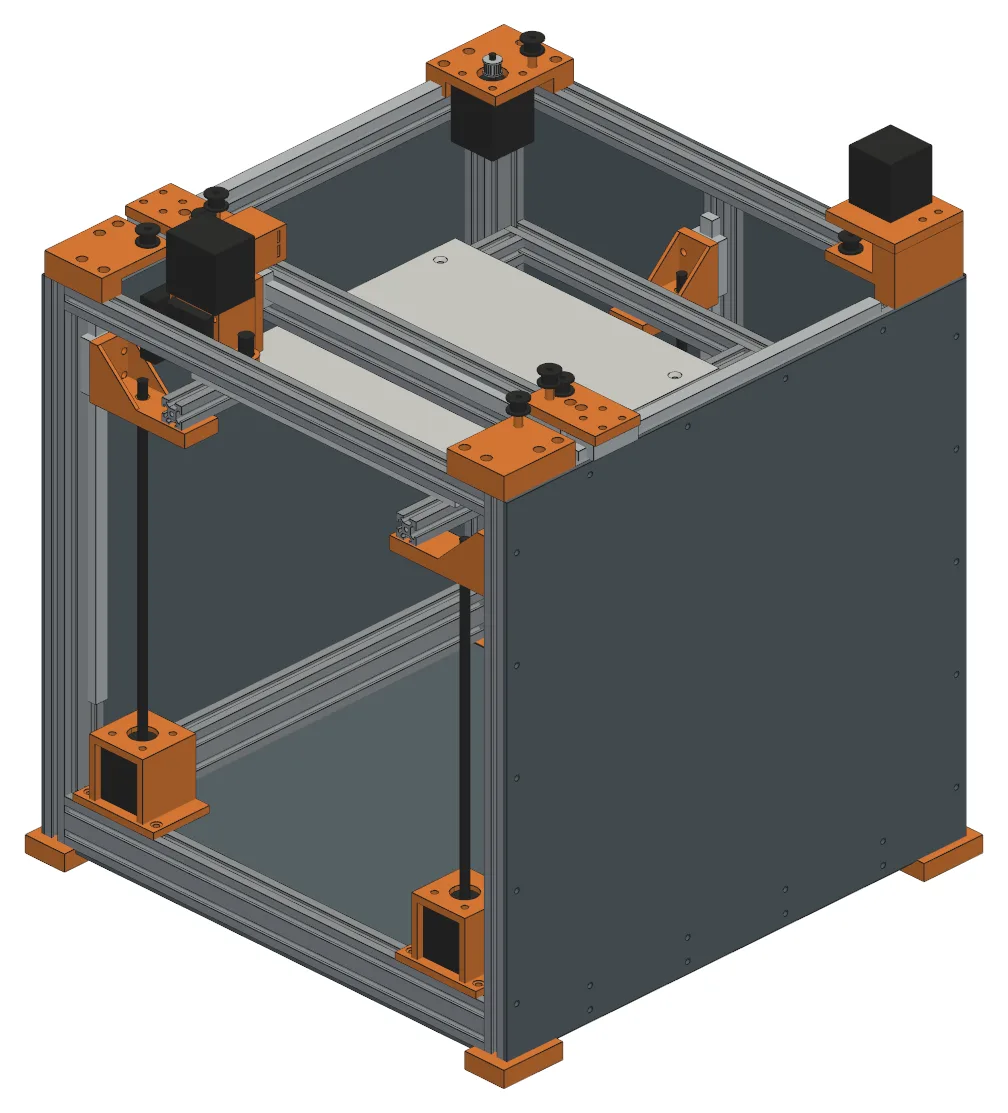
Two robots built over weeks by a person and an agent, a 7.5 m mill from a two-line brief, and a dozen products from one-paragraph briefs, each with its checks and files.
Your code, your agent, your machine.
CAD written as code will win over CAD you click, and the AI models decide it. What has been missing is the feedback. KUTA CAD is that feedback.
Any agent
An MCP server. Claude Code in the app's chat, or any agent from your terminal.
Plain Python
build123d in your repository and your own environment. No format to export from.
The code is the truth
Sliders, clicks and accepted changes all become code.
Local first
Runs on your machine, on 127.0.0.1. Your designs stay with you.
Build your next thing with an agent.
We work first with a few makers, robot labs and engineering firms. Join the list and we will write when there is a build to try.